Settings & Billing
Settings sits at the bottom of the workspace sidebar (the gear icon) and opens as a modal over whatever you were looking at, organized into an Account group and a Workspace group.
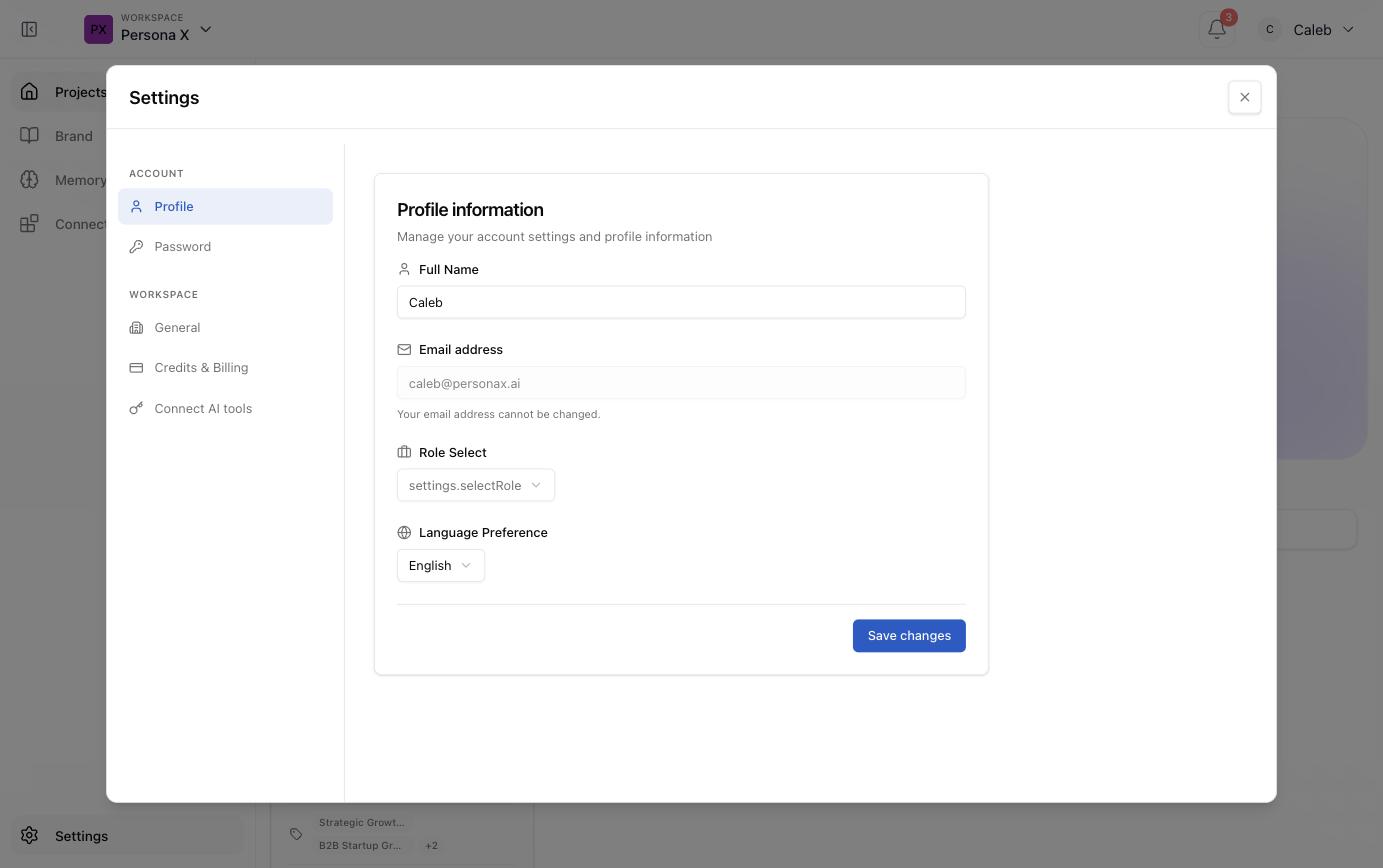
Account
| Tab | What's there |
|---|---|
| Profile | Full name, email address (read‑only once set), role, and language preference. |
| Password | Change your account password. |
Workspace
| Tab | What's there |
|---|---|
| General | Workspace‑level settings (name and general configuration). |
| Credits & Billing | Your credit balance and billing details — the same credits spent on artifact generation, deal‑advisor chat, persona conversations, and other AI‑charged actions across the product. |
| Connect AI tools | Link external AI tools/integrations to the workspace. |
Where credits get spent
Credits are the one thing worth tracking closely, since most of the product is free to browse and only generation/analysis steps are charged. Actions flagged as credited elsewhere in this documentation:
- Rendering an artifact — roughly 15–30 credits, scaling with brief length.
- Chat with the Deal Advisor, chat with a persona, and pipeline‑wide chat.
- "Draft from evidence" on Strategy's Positioning/Messaging blocks.
- Contact/company enrichment and opportunity research on a deal.
- Generating or refining a battle card.
Free actions, by contrast, include ordinary chat in the main project chat, "Generate drafts" for LinkedIn, and every read‑only page in the product (Strategy, Signals, Context, Memory, Connectors).