Connectors: connect once, use everywhere
Connectors is the single place every data‑source and CRM connection is managed — one connection covers the whole workspace, not just the project you happened to be in when you set it up.
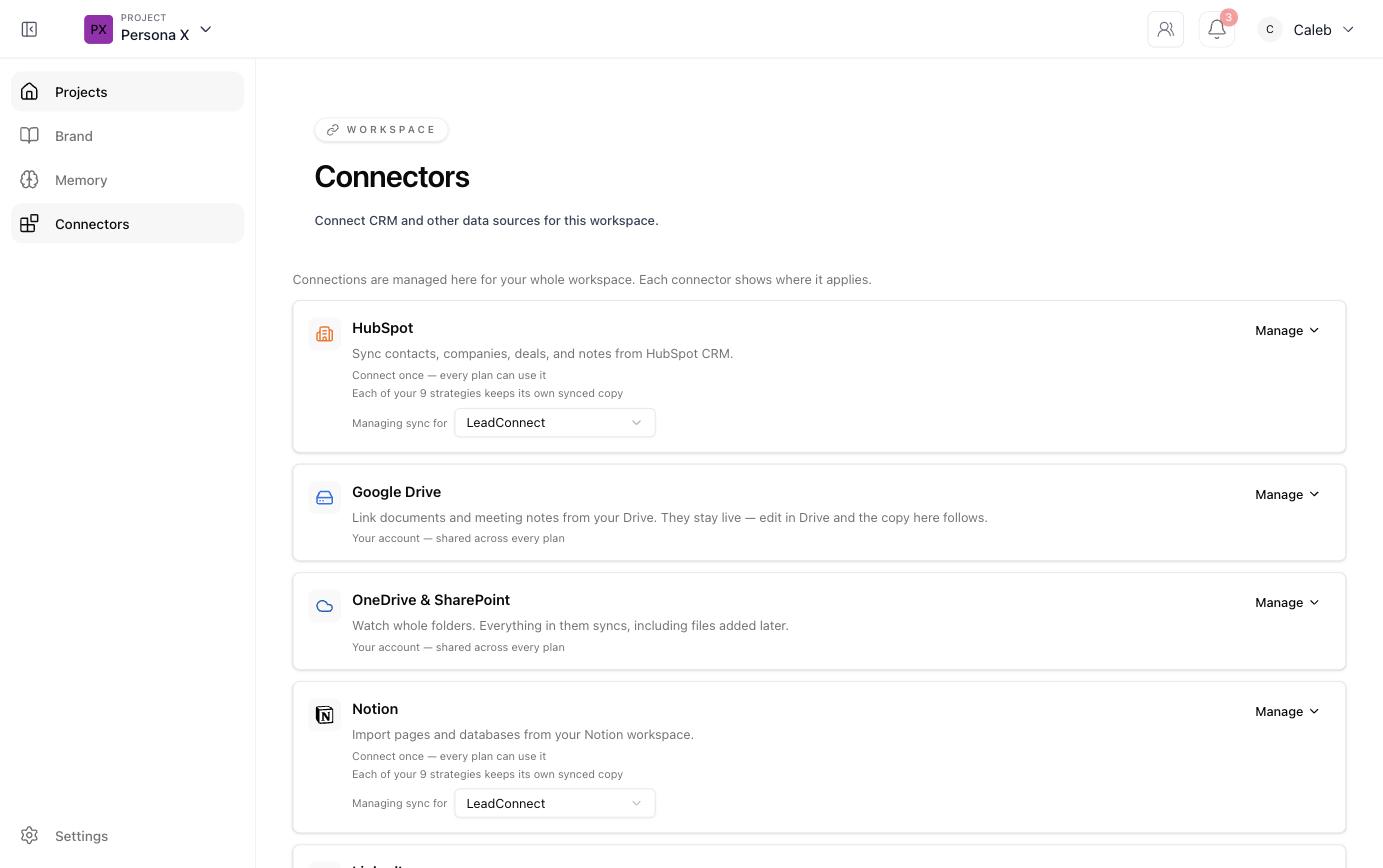
Available connectors
| Connector | What it does | Scope |
|---|---|---|
| HubSpot | Syncs contacts, companies, deals, and notes from HubSpot CRM. | Connect once — every project keeps its own synced copy. |
| Google Drive | Links documents and meeting notes; they stay live — edit in Drive and the copy here follows. | Your account, shared across every project. |
| OneDrive & SharePoint | Watches whole folders — everything in them syncs, including files added later. | Your account, shared across every project. |
| Notion | Imports pages and databases from your Notion workspace. | Connect once — every project keeps its own synced copy. |
| Drafts and publishes posts to your LinkedIn profile (see LinkedIn). | Your account, shared across every project. | |
| Rural Care Journey (RHTP) | Federal Rural Health Transformation opportunity intel for healthcare GTM (see RHTP). | Available across the whole workspace. |
| Salesforce | Connect Salesforce CRM for unified customer data. | Coming soon. |
Managing a sync
Each connector card has its own Manage dropdown. For connectors that sync per‑project (HubSpot, Notion), a "Managing sync for" selector lets you choose which project's synced copy you're currently viewing or reconfiguring — connecting the source once doesn't force every project to share literally the same data, each keeps its own copy in sync from the same origin.
Why connect at all
A connected CRM is what makes Contacts / CRM counts show up under your ICPs, what lets
the Deal Advisor map real buyer‑group contacts to personas, and what keeps
deal fit scores and account timing current without manual re‑entry.